
Configure Beds24 Connection
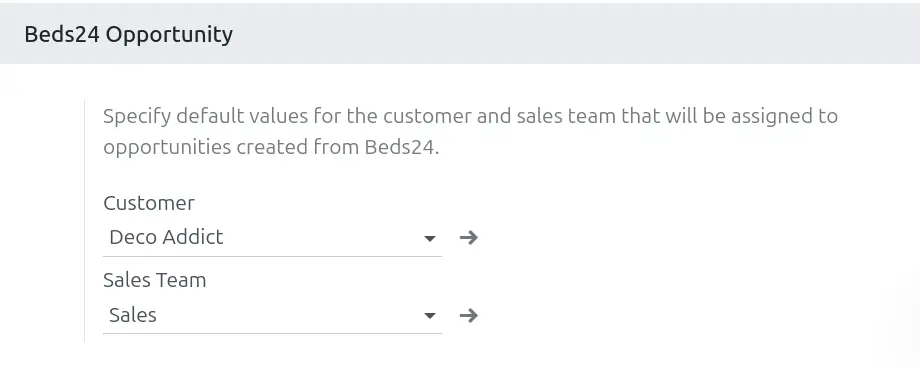
La posibilidad de definir configuraciones específicas conexión con Beds24 permite a las empresas adaptar sus integraciones a medida que crecen y evolucionan. Para esto los usuarios de administración establecen una conexión en el Odoo utilizando los parámetros de acceso de la API Beds24
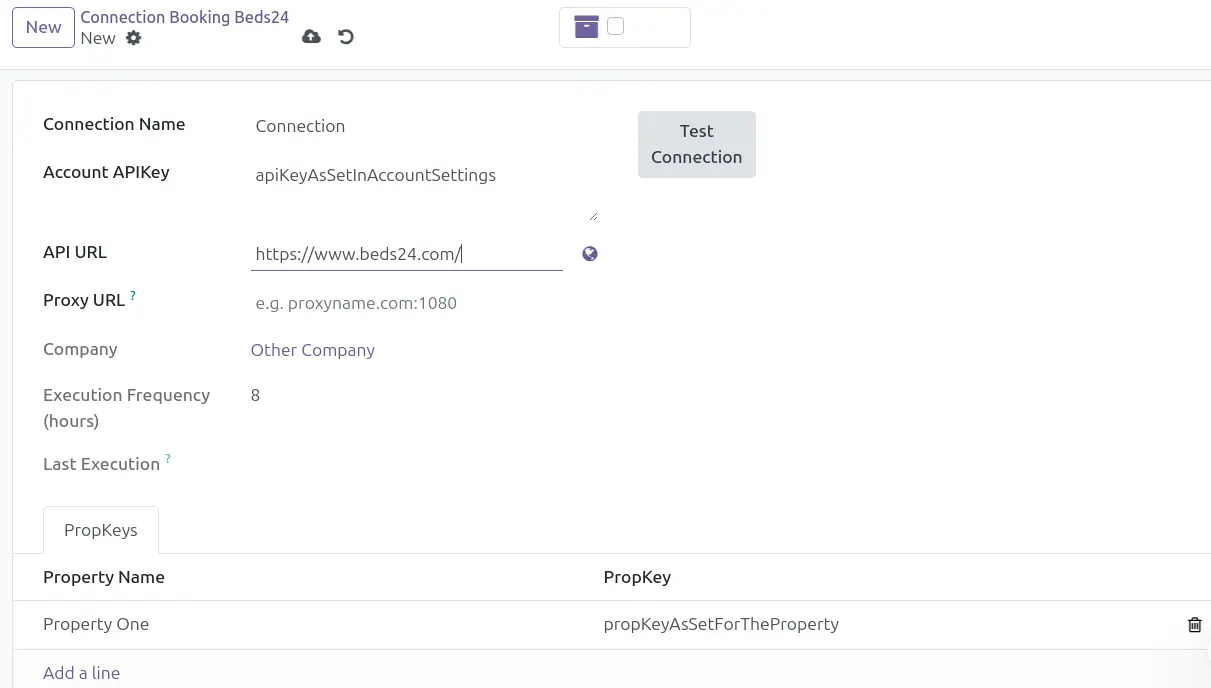
Configure the Connection with Beds24:
- Access the Configuration menu / Beds24 Connections.
- Click on the create option to bring up the connection creation form.

Test and Activate the Connection
- Use the "Test Connection" function to verify that the connection configuration is correct.
- Confirm that the system displays a validation message indicating that the connection was successfully validated.

Activate the Connection
Once the connection has been validated, click the “Inactive / Activate” button to activate the scheduled task.